
Kestrel
Relays the right message to the right place.
Projects, field forms, people and records in Panora, a workspace configured for your company. Explore the platform, then talk with Dustin about the setup and safety program support your operation needs.

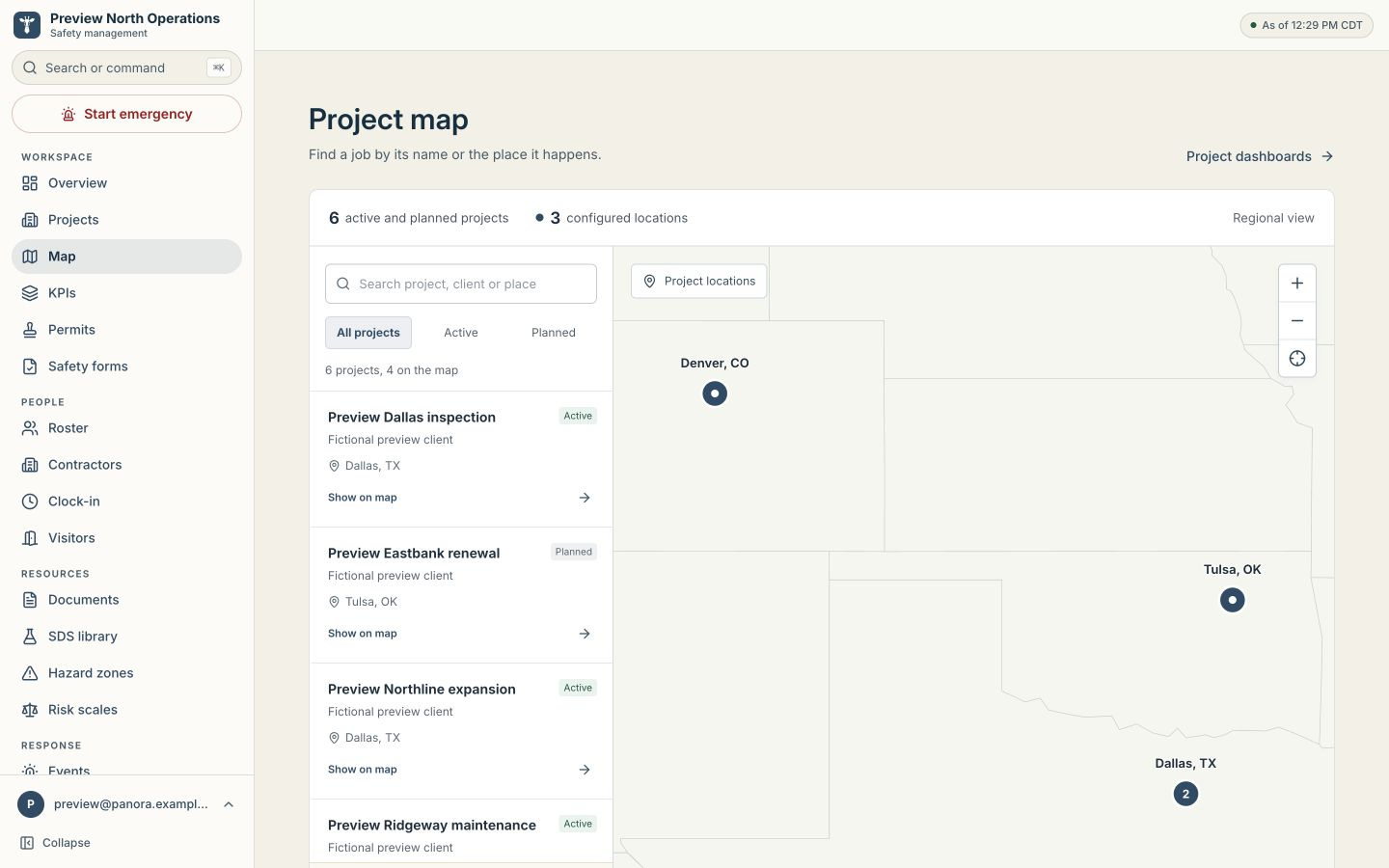
Panora brings projects, field forms, people and records into a workspace configured for your company, including its branding. Start with the project list, open the work you need, and keep the supporting information together.
For admins and safety managers, the project map adds a regional view of configured locations. Search by project, client or place, filter active and planned work, and open the project dashboard. Projects without a location remain in the list.
The map shows project locations and regional boundaries. Available tools depend on your company's enabled modules and your role.
Alongside daily work, Panora supports incident reporting, emergency alerts and muster/headcount when needed. These capabilities depend on the modules and access configured for your company.
Bring incident and hazard reports into the safety record.
Use emergency alerts to support your team's response process.
Use muster and headcount to review who has responded when an event occurs.
Walk through a fictional demonstration workspace, from finding a project to opening forms and reviewing its records. We'll talk through company branding, enabled modules and who needs access, then cover emergency response if it fits your operation.
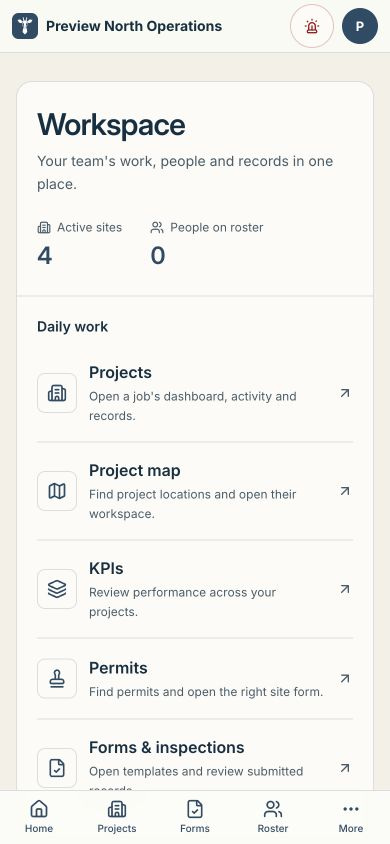
Preview North is a fictional demonstration company. Your workspace depends on the modules and access configured for your team.
One small crew plans, builds, checks, routes, researches, records, and guards each release. The names below are the working roles you will see in project notes.
Relays the right message to the right place.

Plans the work before a file changes.

Builds the working system.

Verifies the path on real inputs.

Researches the source before anyone claims it.

Keeps the books and the trail.

Guards access, scope, and stop conditions.
The form uses the customer's approved document and thresholds. A safe answer continues to the signed record. A stop condition names the clause and creates no permit.
State 28 can help you work through the safety program behind the software: the forms your crews use, the records you need and the roles involved. Start with Panora, then scope the setup and support around your operation.
Your sites, forms and access needs shape the setup. Confirm the included modules, configuration, support and pricing in a written scope before work starts.
Identify your projects, forms and records, including what your crews currently manage on paper.
Agree on company branding, the modules to enable and the roles that need each tool.
Discuss rollout, training and ongoing support with State 28 as part of the written scope.
Bring your site list, daily forms and team roles to a walkthrough with Dustin.